Microsoft Word Complete Training
Course Description
After completing this course, you will be able to confidently navigate and personalize the Microsoft Office workspace. You will learn how to efficiently manage documents, data, and presentations using the most popular Office tools: Word, Excel, PowerPoint, and Access.
Microsoft Office is a suite of productivity applications used globally for business, education, and personal tasks. Microsoft Word helps you create, edit, and format professional documents such as letters, resumes, and reports. Microsoft Excel is used for calculations, data analysis, and visualization through formulas, functions, and charts. Microsoft PowerPoint lets you build visually appealing presentations with text, images, charts, and animations. Microsoft Access is a database management system for organizing, storing, and managing large sets of structured data.
This all-in-one course helps you master each application from the basics to an advanced level, for both personal and professional use.
What You Will Learn
- Create, edit, and format professional documents in Microsoft Word
- Work with tables, images, shapes, charts, and page layouts in Word
- Use references, footnotes, citations, and mail merge in Word
- Build spreadsheets in Excel using formulas, functions, and formatting
- Analyze and present data using charts, pivot tables, and conditional formatting
- Create result sheets, salary sheets, and attendance sheets in Excel
- Design professional presentations in PowerPoint with themes, animations, and transitions
- Insert tables, images, shapes, and multimedia into PowerPoint slides
- Set up slideshows, timing, and presentation delivery tools
- Understand database concepts and create your first database in Access
- Design tables, forms, queries, and reports in Access
- Manage table relationships, macros, and data organization in Access
Who Should Join This Course?
- Students and job seekers who want essential computer skills
- Office workers who want to boost their productivity
- Freelancers who prepare documents, spreadsheets, or presentations for clients
- Absolute beginners with no prior Microsoft Office experience
Prerequisites
You do not need any prior experience. All you need is:
- Basic computer operating knowledge
- Understanding of file management and typing skills
System Compatibility
This course is accessible on all your devices:
- Windows PCs and laptops
- macOS (all recent versions)
- Android smartphones and tablets
- iPhone and iPad (iOS devices)
Learn anytime, anywhere, on your desktop, laptop, tablet, or mobile.
One-Time Payment, Lifetime Access
No subscriptions. No hidden charges. No monthly fees.
Pay once and get lifetime access to the entire course. Watch the videos as many times as you want, whenever you want. There is no expiry date.
Free Lifetime Updates
This field keeps changing, and so does this course. Whenever we add new lessons, new tools, new techniques, or update existing content, you get it completely free. No extra payment, ever. Pay once and stay updated for life.
Certification
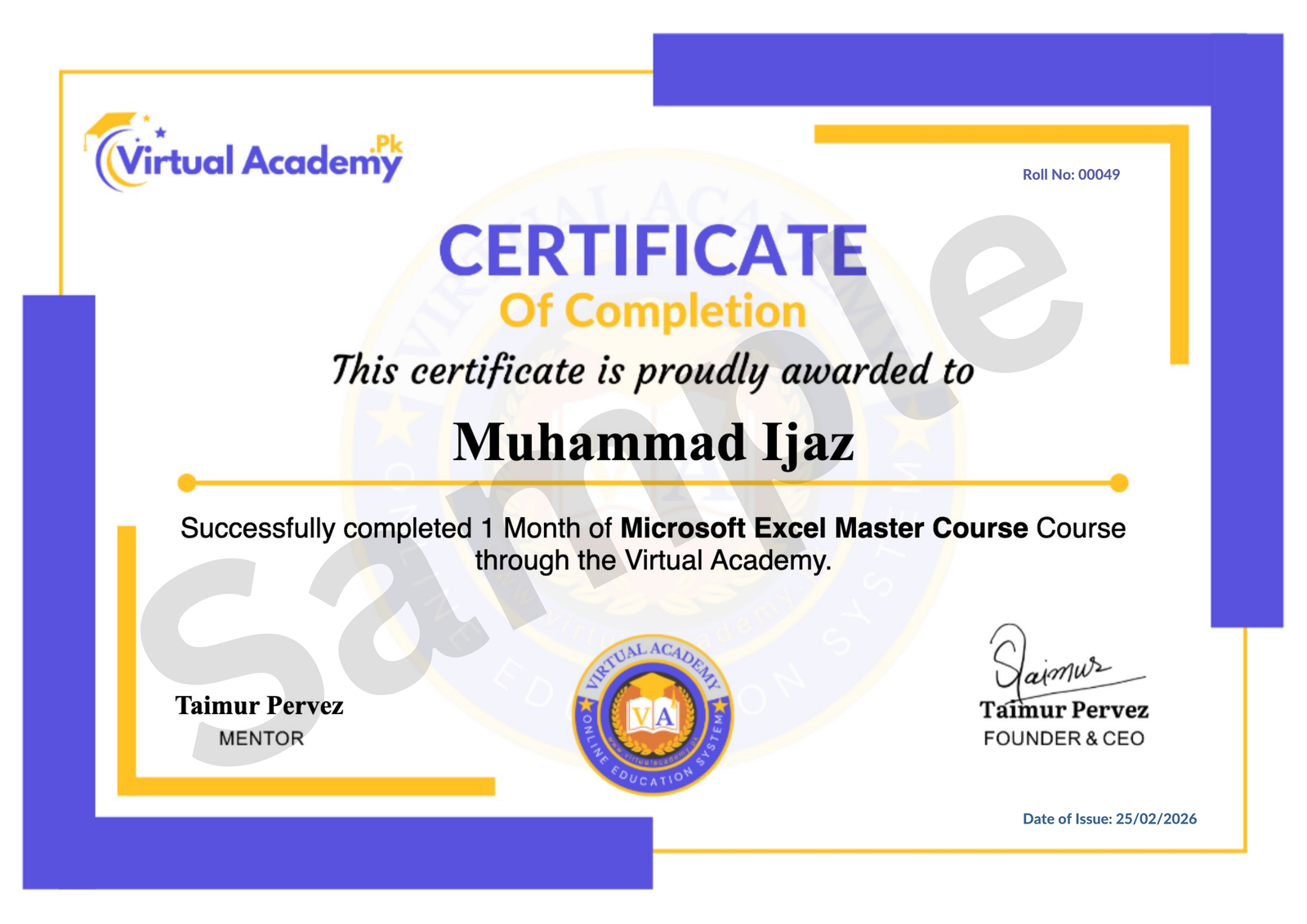
This course is hosted on the Virtual Academy LMS (www.virtualacademy.pk). Upon successful completion, you will receive a Registered Diploma or Certificate that you can add to your resume, portfolio, or LinkedIn profile.
To earn your certificate, you need to:
- Complete all chapters on the LMS
- Pass the quiz for each chapter
- Submit any required assignments or projects
Once completed, your diploma will be available to download directly from the LMS.
Why Enroll Now?
Microsoft Office skills are required in almost every job and business today. Mastering Word, Excel, PowerPoint, and Access makes you more productive and more valuable in the workplace.
One-time payment. Lifetime access. Lifetime updates. Zero risk.
Need Help? Contact Us on WhatsApp
Have any questions about the course? Feel free to reach out to us on WhatsApp. We try our best to reply within 30 minutes to 1 hour.
Message us anytime, and our team will guide you regarding the course, enrollment, or any other queries you may have.
Enroll today and start your journey toward mastering Microsoft Office.
Course Details
- 1. Microsoft Word Course Introduction
- 2. Intro to Computer and Microsoft Word
-
Chapter No 01 Course Introduction
No Notes available for this chapter
-
1. Download & Installation | Typing Tips (Locked) 25:42 Min

-
2. Cut, Copy, Paste | Paste Special | Clipboard (Locked) 13:07 Min
-
Chapter No 02 Microsoft Word Getting Started (Locked)
No Notes available for this chapter
-
1. File Menu Part A (Locked) 11:51 Min
-
2. File Menu Part B (Locked) 13:45 Min
-
3. Font Style and Formatting (Locked) 14:59 Min
-
4. Bullets, Numbering & Paragraphs (Locked) 12:51 Min
-
5. Find, Replace & Go To (Locked) 10:45 Min
-
Chapter No 03 File Menu & Formatting (Locked)
No Notes available for this chapter
-
1. Cover Page, Page Break & Insert Table (Locked) 06:31 Min
-
2. Table Styles & Settings (Locked) 08:10 Min
-
3. Table Layout | Row & Column Settings (Locked) 08:01 Min
-
4. Table Formatting Options (Locked) 14:01 Min
-
Chapter No 04 Working with Tables & Layout (Locked)
No Notes available for this chapter
-
1. Excel Sheet, Quick Table & Insert Picture (Locked) 12:51 Min
-
2. Picture Styles & Formatting (Locked) 12:27 Min
-
3. Shapes and WordArt Formatting (Locked) 12:37 Min
-
4. SmartArt, Charts & Formatting (Locked) 11:14 Min
-
5. Hyperlinks, Bookmarks & Cross-References (Locked) 13:28 Min
-
Chapter No 05 Image Shape & Charts (Locked)
No Notes available for this chapter
-
1. Comments, Header/Footer & Page Number (Locked) 14:04 Min
-
2. Text Box, Quick Parts, WordArt, Drop Cap (Locked) 11:10 Min
-
3. Signature, Date, Object, Equation & Symbols (Locked) 14:16 Min
-
4. Themes, Formatting, Watermark, Paragraph (Locked) 10:05 Min
-
5. Page Color, Fill Effects & Borders (Locked) 08:54 Min
-
6. Page & Print Settings | Breaks | Hyphenation (Locked) 15:35 Min
-
7. Layout Settings & Arrangements (Locked) 08:23 Min
-
Chapter No 06 Page Formatting & Layout (Locked)
No Notes available for this chapter
-
1. Table of Contents, Footnote & Endnote (Locked) 10:13 Min
-
2. Citations, Bibliography & Figures (Locked) 13:16 Min
-
3. Index, Entry, Citation & Authorities Table (Locked) 13:42 Min
-
4. Mail Merge: Envelopes, Labels, Recipients (Locked) 15:38 Min
-
5. Writing & Inserting Fields in Mail Merge (Locked) 07:06 Min
-
Chapter No 07 References & Mailing (Locked)
No Notes available for this chapter
-
1. Review: Spell Check, Translate, Thesaurus (Locked) 09:59 Min
-
2. Editing Comments and Formatting (Locked) 04:52 Min
-
3. Document Protection & Track Changes (Locked) 07:37 Min
-
4. Restricting Editing and Block Access (Locked) 08:07 Min
-
5. Save Formats, View Options & Zoom (Locked) 08:16 Min
-
6. View Menu Overview (Locked) 07:37 Min
-
Chapter No 08 Review & View Tools (Locked)
No Notes available for this chapter
 Level
Level
 Duration
 Chapters
 Quizzes
 Certifications
 Language