Video Editing Masterclass (Basics to Advance)
Course Description
Video editing is the art of turning raw footage into engaging, professional-quality content. It combines creativity, storytelling, audio production, visual effects, and technical skill to create videos for social media, education, business, and entertainment.
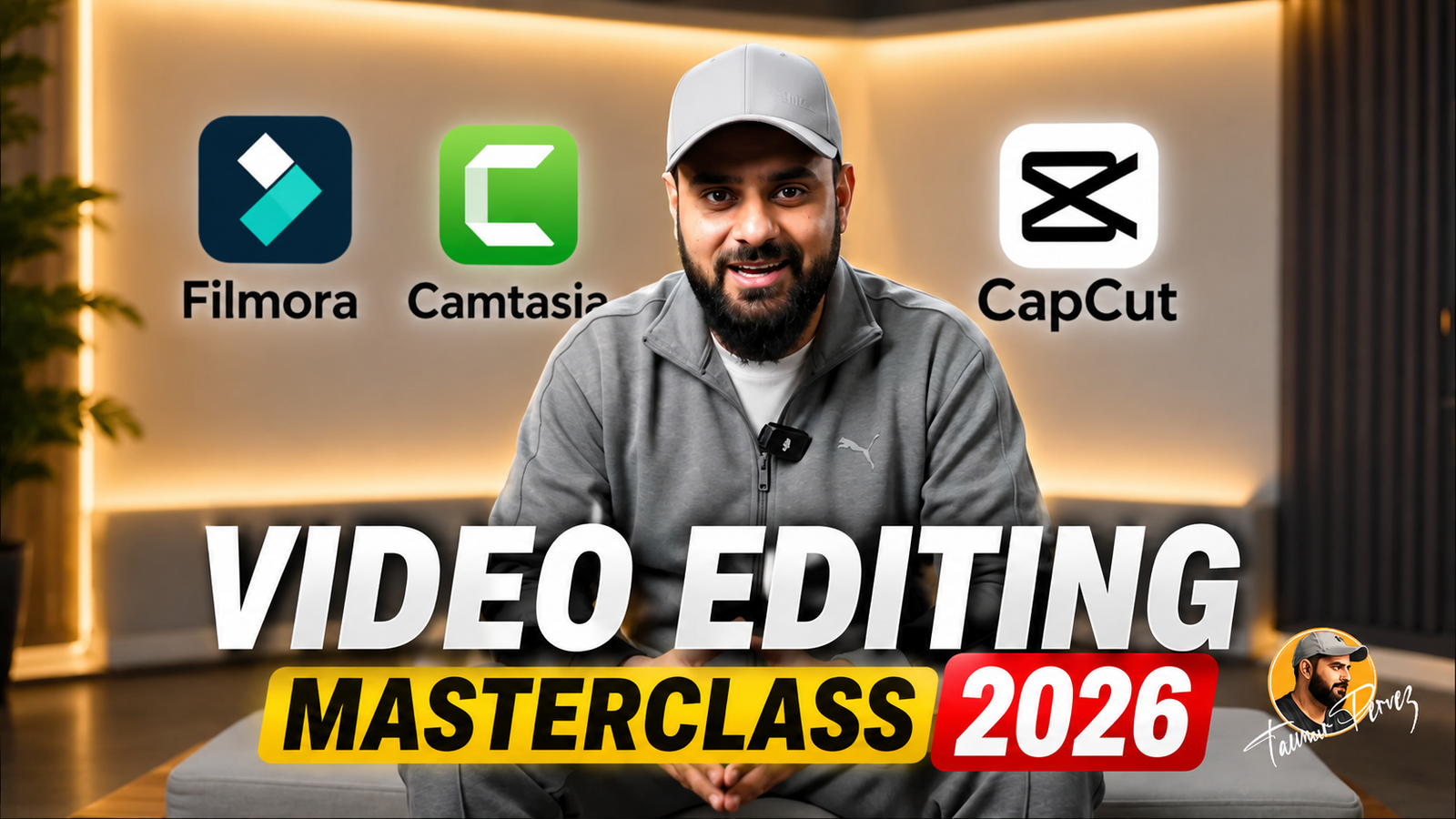
This masterclass covers three of the most powerful video editing platforms: Filmora for easy and creative editing, Camtasia for professional screen recording and tutorial creation, and Cap Cut for modern social media content. Every topic is explained step by step in simple language, so there is no barrier to learning.
Whether your goal is to become a content creator, freelance on Fiverr or Upwork, or grow your own YouTube or social media channel, this course gives you everything you need, from the very basics to advanced, real-world projects.
What You Will Learn
- Navigate and use Filmora, Camtasia, and CapCut like a professional
- Import, organize, and manage video, audio, and image files
- Cut, trim, split, and merge video clips professionally
- Add transitions, effects, filters, and animations
- Create engaging text titles, captions, and lower thirds
- Edit and enhance audio with noise reduction and sound effects
- Apply color correction and color grading
- Use keyframes for smooth animations and motion effects
- Create green screen (chroma key) videos
- Record and edit professional screen tutorials using Camtasia
- Produce YouTube videos, Shorts, Reels, and TikTok content
- Export videos in different formats and resolutions
Who Should Join This Course?
- Students who want to build a career in content creation
- Freelancers who want to start earning through video editing
- Marketers who want to create promotional and business videos
- Content creators who want to grow their YouTube, Instagram, or TikTok channel
- Absolute beginners with zero editing experience
Prerequisites
You do not need any prior experience. All you need is:
- A basic interest in video editing or content creation
- Basic computer knowledge
- Internet usage and basic file management skills
System Compatibility
This course is accessible on all your devices:
- Windows PCs and laptops
- macOS (all recent versions)
- Android smartphones and tablets
- iPhone and iPad (iOS devices)
Learn anytime, anywhere, on your desktop, laptop, tablet, or mobile.
One-Time Payment, Lifetime Access
No subscriptions. No hidden charges. No monthly fees.
Pay once and get lifetime access to the entire course. Watch the videos as many times as you want, whenever you want. There is no expiry date.
Free Lifetime Updates
This field keeps changing, and so does this course. Whenever we add new lessons, new tools, new techniques, or update existing content, you get it completely free. No extra payment, ever. Pay once and stay updated for life.
Certification
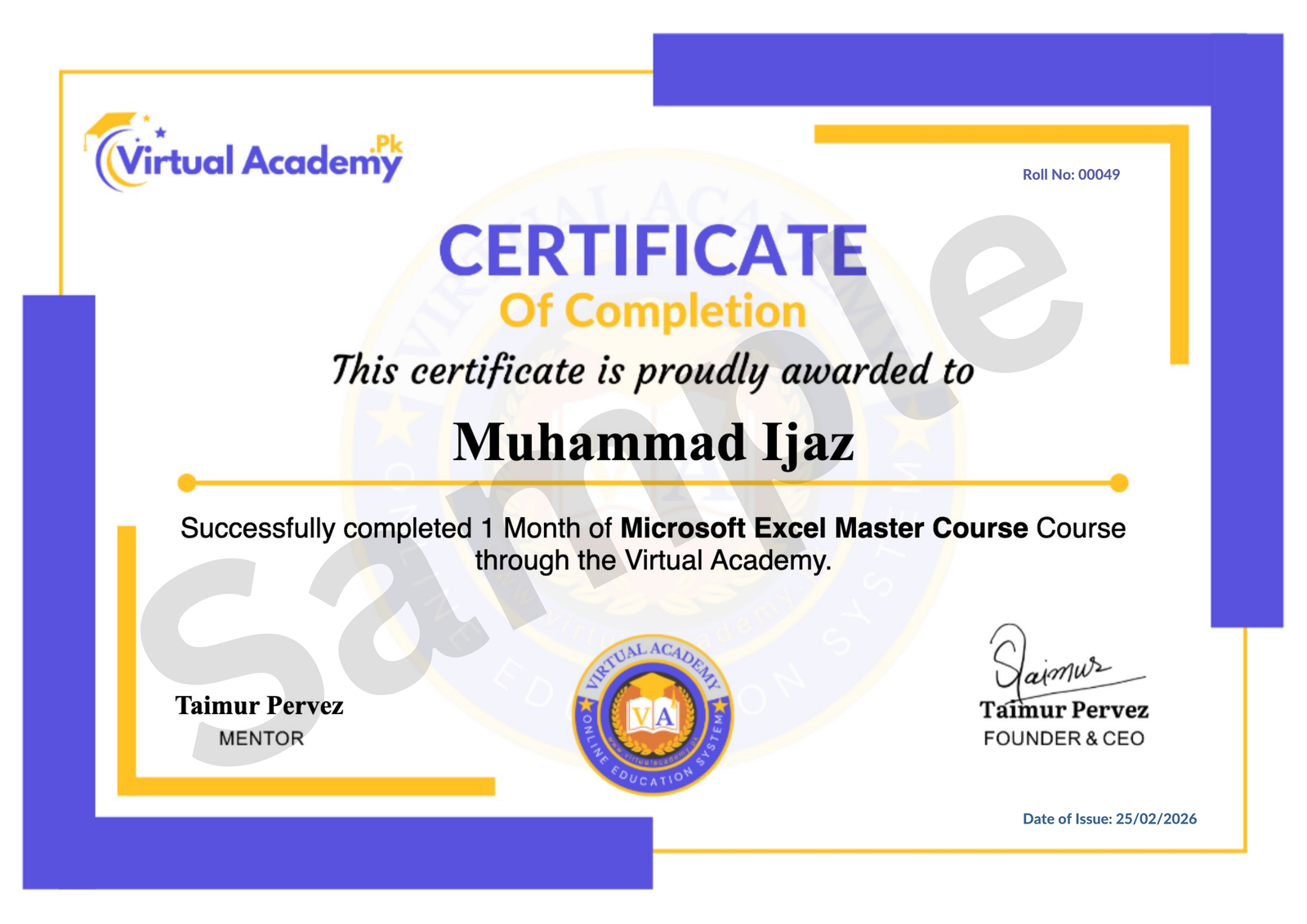
This course is hosted on the Virtual Academy LMS (www.virtualacademy.pk). Upon successful completion, you will receive a Registered Diploma or Certificate that you can add to your resume, portfolio, or LinkedIn profile.
To earn your certificate, you need to:
- Complete all chapters on the LMS
- Pass the quiz for each chapter
- Submit any required assignments or projects
Once completed, your diploma will be available to download directly from the LMS.
Why Enroll Now?
Video content keeps growing every single day. From YouTube to Reels to TikTok, the demand for skilled video editors keeps increasing. The sooner you start learning, the sooner you can start earning, whether through freelancing, content creation, or your own channel.
One-time payment. Lifetime access. Lifetime updates. Zero risk.
Need Help? Contact Us on WhatsApp
Have any questions about the course? Feel free to reach out to us on WhatsApp. We try our best to reply within 30 minutes to 1 hour.
Message us anytime, and our team will guide you regarding the course, enrollment, or any other queries you may have.
WhatsApp: wa.me/923215124534
Enroll today and start your journey toward becoming a professional video editor.
Course Details
-
Lesson No 1 : Filmora (Locked) 10:23 Min

-
Lesson No 2 : Filmora (Locked) 07:26 Min
-
Lesson No 3 : Filmora (Locked) 03:35 Min
-
Module 1: QUIZ (Locked)
No Notes available for this chapter
-
Lesson No 1 : Filmora (Locked) 06:15 Min
- Lesson No 2 : Filmora
-
Lesson No 3 : Filmora (Locked) 11:05 Min
-
Module 2: QUIZ (Locked)
No Notes available for this chapter
-
Lesson No 1 : Filmora (Locked) 07:13 Min
-
Lesson No 2 : Filmora (Locked) 12:32 Min
-
Module 3: QUIZ (Locked)
No Notes available for this chapter
-
Lesson No 1 : Filmora (Locked) 09:51 Min
-
Lesson No 2 : Filmora (Locked) 08:24 Min
-
Lesson No 3 : Filmora (Locked) 03:21 Min
-
Lesson No 4 : Filmora (Locked) 05:40 Min
-
Lesson No 5 : Filmora (Locked) 03:24 Min
-
Lesson No 6 : Filmora (Locked) 05:37 Min
-
Module 4: QUIZ (Locked)
No Notes available for this chapter
-
Lesson No 1 : Filmora (Locked) 15:10 Min
-
Lesson No 2 : Filmora (Locked) 13:05 Min
-
Lesson No 3 : Filmora (Locked) 04:09 Min
-
Lesson No 4 : Filmora (Locked) 06:51 Min
-
Lesson No 5 : Filmora (Locked) 11:38 Min
- Lesson No 6: Filmora
-
Module 5: QUIZ (Locked)
No Notes available for this chapter
-
Lesson No 1 : Camtasia (Locked) 02:13 Min
-
Lesson No 2 : Camtasia (Locked) 05:01 Min
-
Module 6: QUIZ (Locked)
No Notes available for this chapter
-
Lesson No 1 : Camtasia (Locked) 12:07 Min
-
Lesson No 2 : Camtasia (Locked) 10:00 Min
-
Lesson No 3 : Camtasia (Locked) 07:29 Min
-
Lesson No 4: Camtasia (Locked) 10:07 Min
-
Module 7: QUIZ (Locked)
No Notes available for this chapter
-
Lesson No 1 : Camtasia (Locked) 13:29 Min
-
Lesson No 2 : Camtasia (Locked) 11:53 Min
-
Lesson No 3 : Camtasia (Locked) 10:43 Min
-
Lesson No 4 : Camtasia (Locked) 09:34 Min
No Quiz For This Chapter.
No Notes available for this chapter
-
Lesson No 1 : Camtasia (Locked) 10:53 Min
-
Lesson No 2 : Camtasia (Locked) 07:43 Min
-
Lesson No 3 : Camtasia (Locked) 10:48 Min
-
Lesson No 4 : Camtasia (Locked) 06:55 Min
-
Module 9: QUIZ (Locked)
No Notes available for this chapter
-
Lesson No 1 : Camtasia (Locked) Min
-
2. Captions in Camtasia (Locked) Min
-
Lesson No 3 : Camtasia (Locked) Min
-
Module 10: Advanced Features & Final Output | Camtasia (Locked)
No Notes available for this chapter
-
Lesson No 1 : CapCut (Locked) 02:40 Min
-
Lesson No 2 : CapCut (Locked) 03:04 Min
-
Lesson No 3 : CapCut (Locked) 01:56 Min
-
Module 11 : QUIZ (Locked)
No Notes available for this chapter
-
Lesson No 1 : CapCut (Locked) 02:10 Min
-
Lesson No 2 : CapCut (Locked) 05:54 Min
-
Lesson No 3 : CapCut (Locked) 03:36 Min
-
Lesson No 4 : CapCut (Locked) 02:55 Min
-
Lesson No 5 : CapCut (Locked) 02:47 Min
-
Module 12: QUIZ (Locked)
No Notes available for this chapter
-
Lesson No 1 : CapCut (Locked) 03:36 Min
-
Lesson No 2 : CapCut (Locked) 01:37 Min
-
Module 13: QUIZ (Locked)
No Notes available for this chapter
-
Lesson No 1 : CapCut (Locked) 02:45 Min
-
Lesson No 2 : CapCut (Locked) 02:04 Min
-
Lesson No 3 : CapCut (Locked) 02:50 Min
-
Lesson No 4: CapCut (Locked) 01:51 Min
-
Lesson No 5 : CapCut (Locked) 04:06 Min
-
Lesson No 6 : CapCut (Locked) 02:08 Min
-
Module 14: QUIZ (Locked)
No Notes available for this chapter
-
Lesson No 1 : CapCut (Locked) 03:10 Min
-
Lesson No 2 : CapCut (Locked) 02:57 Min
-
Lesson No 3 : CapCut (Locked) 04:16 Min
-
Lesson No 4 : CapCut (Locked) 04:10 Min
-
Lesson No 5: CapCut (Locked) 03:44 Min
-
Lesson No 6 : CapCut (Locked) 03:20 Min
-
Lesson No 7 : CapCut (Locked) 02:40 Min
-
Module 5: QUIZ (Locked)
No Notes available for this chapter
 Level
Level
 Duration
 Chapters
 Quizzes
 Certifications
 Language